Do You Need a Screen Protector for iPhone 17?
Do You Need an iPhone 17 Screen Protector?
The iPhone 17 series will come out at 10:00 a.m. Pacific Time on September 9, with pre-sales starting on September 12 and official pre-sales on September 19. Whether you're a long-time fan planning to upgrade or a first-time buyer, getting a new screen protector for your iPhone 17 is essential unless you can guarantee your iPhone 17 will never be dropped and your screen won't be covered in fingerprints and scratches—but that's highly unlikely.
1. Defense Against Physical Damage: Despite Apple's use of durable materials, everyday hazards like keys, sand, or accidental drops can cause scratches or cracks. A screen protector acts as a sacrificial layer, absorbing impacts and reducing repair costs significantly—especially compared to Apple’s official screen replacements, which can exceed $300.
2. Enhanced Visual and Tactile Experience: Matte or anti-reflective coatings reduce screen glare in bright environments (e.g., sunlight) and repel oils, keeping the display smudge-free.
3. Long-Term Value Preservation: A pristine screen maintains resale value. Minor scratches can devalue an iPhone by up to 20%, making protectors a cost-effective investment.
Features of Different iPhone 17 screen protectors
1. High-Definition (HD) Tempered Glass Screen Protector
Pros:
- Light transmittance >95%: Maximally preserves original screen colors without distortion, ideal for video editing or photography requiring color accuracy.
- Highly responsive touch sensitivity: Thickness ≤0.3mm ensures near-bare-screen tactile feedback and smooth operation.
Cons:
- Prone to fingerprints: Models with inferior oleophobic coating show noticeable smudges, requiring frequent cleaning.
Recommended Use Cases: Film creators, designers, and avid readers prioritize color fidelity and indoor environments with stable lighting.
2. Anti-Glare (AG) Matte Screen Protector
Pros:
- Strong anti-reflection: The micro-textured surface scatters 80% of ambient light, enhancing visibility outdoors.
- Fingerprint/sweat resistance: The matte layer physically repels oils, offering a dry-touch feel.
Cons:
Reduced clarity: ≈90% transmittance slightly blurs sharpness; ~15% color saturation loss.
Recommended Use Cases: Mobile gamers, outdoor workers (e.g., couriers, tour guides), and users needing high-frequency touch operations.
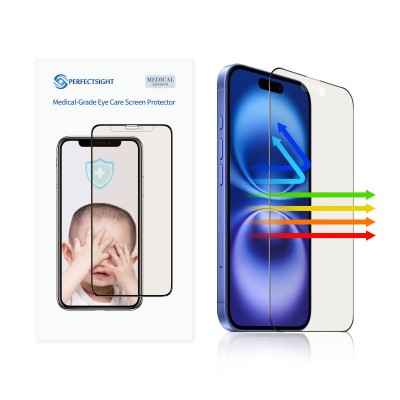
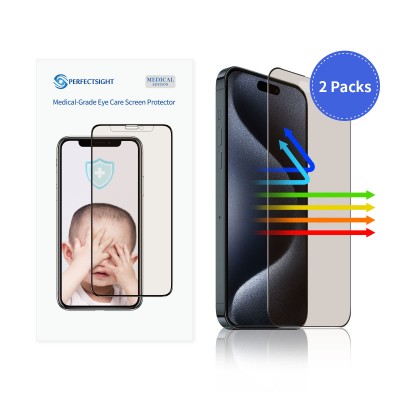
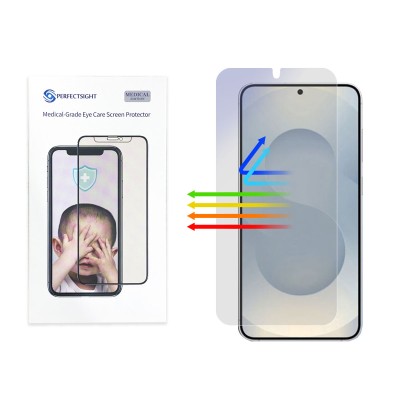
3. Anti-Blue Light Tempered Glass Screen Protector
Pros:
- Eye protection: Filters 380–450nm harmful short-wave blue light, reducing retinal photodamage risk and alleviating eye strain.
Cons:
- Noticeable color shift: Warm color temperature (similar to "eye comfort mode").
Recommended Use Cases: Students, night-time users, dry-eye syndrome patients, and other long-term screen viewers.
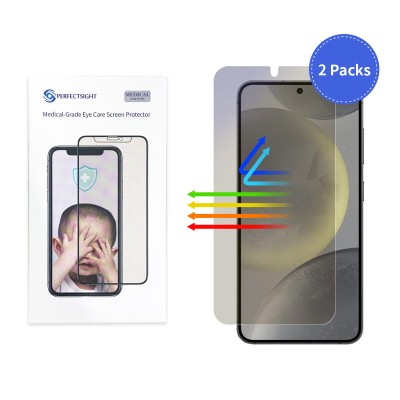
4. Privacy Screen Protector
Pros:
- Privacy protection: Micro-louver technology restricts viewing angles (>30° laterally shows a black screen), preventing shoulder surfing.
- Business compatibility: Suitable for handling confidential documents or financial transactions.
Cons:
- Severe brightness loss: 80–85% transmittance requires increasing brightness by ≥30%, exacerbating eye fatigue.
Recommended Use Cases: Business commuters (subways/flights), open-plan offices, and other privacy-sensitive scenarios.